
Chromecast with Waydroid
scoped mDNS reflection with Avahi

“The Universe is under no obligation to make sense to you.” ― Neil deGrasse Tyson
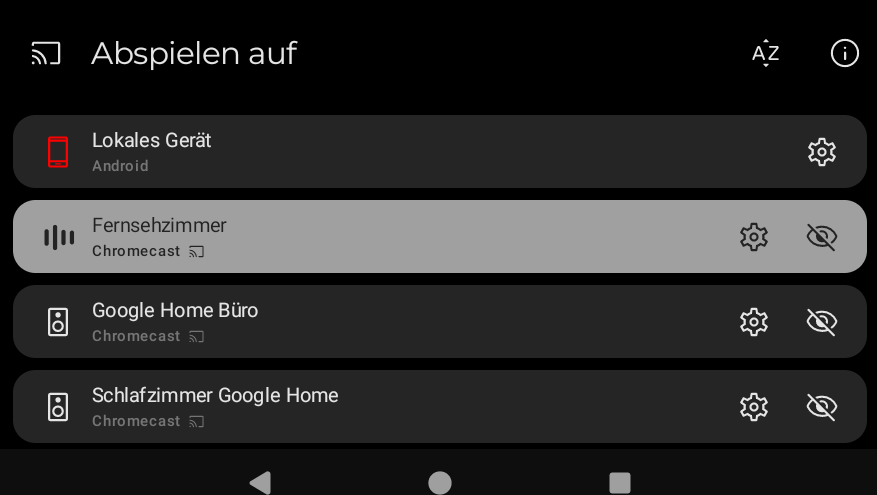
There are many sophisticated Media Players for Linux with Jellyfin Server support. But some of them lack Chromecast and/or DLNA support - and if you are working from home with a coorperate device a native application is not an option. Therefore I'll try to integrate support to the docker version of Feishin ...
[Feature]: Add DLNA renderer discovery ...
But as an interim solution I'll use another approach on my development Laptop to improve my networking and container skills a bit ...
A container-based approach to boot a full Android system on regular GNU/Linux systems running Wayland based desktop environments.
Waydroid runs Android behind a virtual interface and NAT. That supports ordinary unicast connectivity, but local multicast discovery does not automatically cross between the Android network and a Wi-Fi LAN. Google Cast discovery uses mDNS/DNS-SD; an Android app will fail to list Chromecast devices even though both Android and the host have internet access.
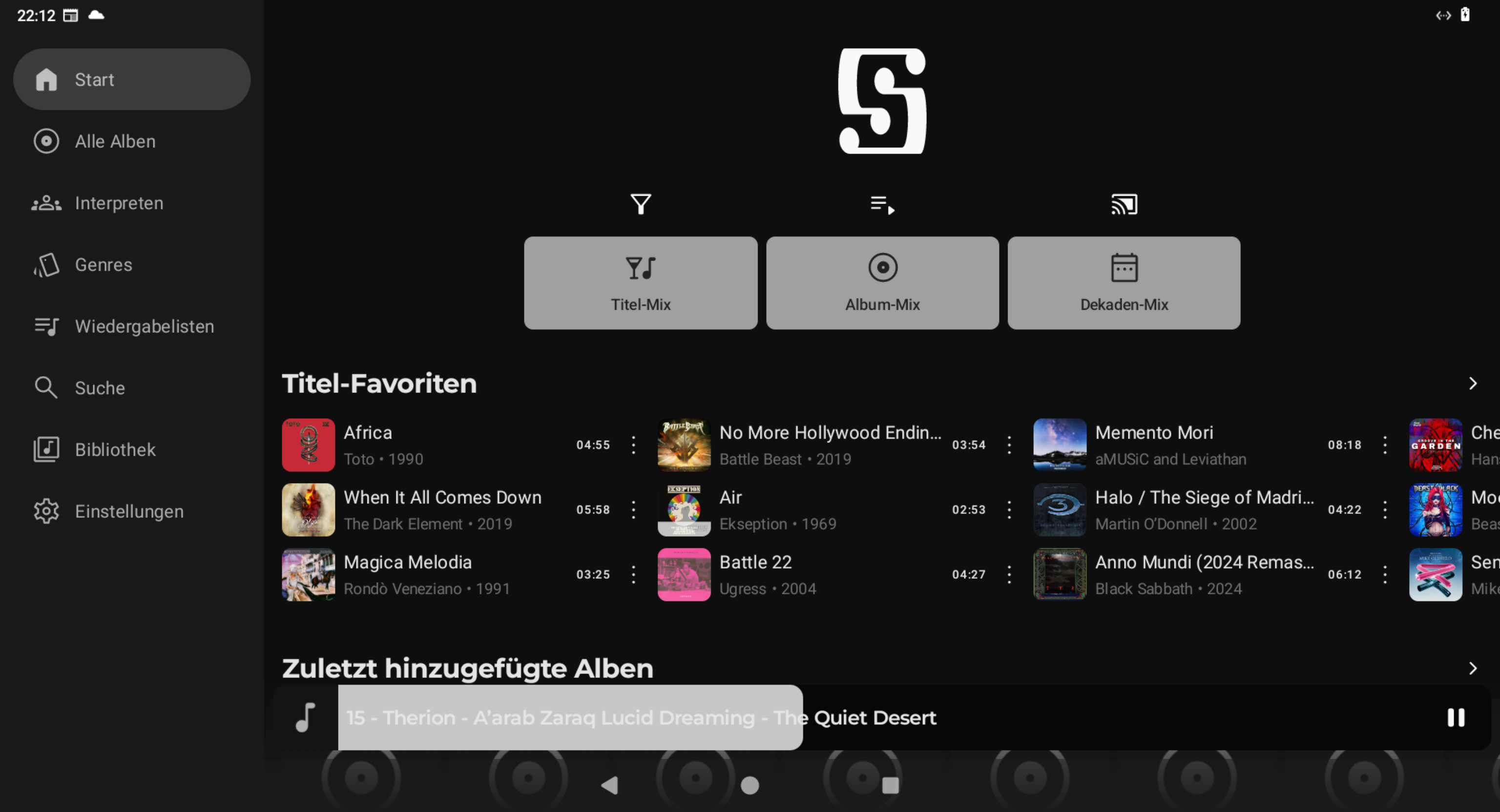
Enabling Avahi's mDNS reflector between the host's Wi-Fi interface and the Waydroid bridge makes Chromecast devices visible. Audio playback then works without additional network changes.
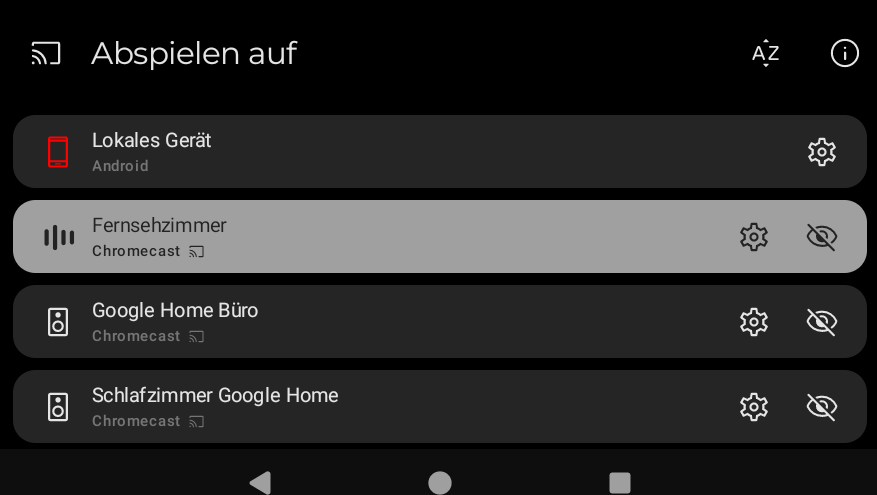
This is specifically a Chromecast/mDNS setup. It does not relay DLNA/UPnP SSDP discovery.
Network Setup
  graph LR
    subgraph Network[Network]
        %% A[Chromecast devices]
    end

    subgraph Host
      subgraph Infra[Infrastructure]
          B[Wi-Fi/LAN]
          C[Interfaces]
          E["Bridge"]
          D[mDNS reflector]
      end

      subgraph Virtualization
          F["Android App (NAT)"]
      end
    end

    %% Connections
    Network --> B
    B --> C

    %% MDNS/Association (Bidirectional link)
    C <--> D

    %% Bridge connection
    C --> E
    E --> F

    %% Styling for conceptual groups
    classDef clients fill:#cce6ff,stroke:#3366ff,stroke-width:2px;
    classDef network fill:#e6f0cc,stroke:#66cc33,stroke-width:2px;
    classDef host fill:#fff0cc,stroke:#ffcc33,stroke-width:2px;
    classDef service fill:#ffe6e6,stroke:#ff6666,stroke-width:2px;
    classDef android fill:#e6e6ff,stroke:#6666cc,stroke-width:2px;

    class A clients
    class Network network
    class Host host
    class D service
    class E service
    class F android
Why a reflector is needed
The app's discovery scan generates mDNS queries for _googlecast._tcp.local on UDP port 5353. The host's Wi-Fi interface can see Google Cast announcements on the LAN. Android's queries are visible on the Waydroid interface. Without the reflector, those (broadcast) packets would not cross the subnet boundary between the two networks.
Avahi configuration
The tested configuration restricted Avahi to the Wi-Fi and Waydroid interfaces and reflects only Google Cast mDNS service records.
Edit the existing /etc/avahi/avahi-daemon.conf:
In the existing [server] section, set allow-interfaces to the two interfaces:
[server]
allow-interfaces=[HOST_WIFI_INTERFACE],[WAYDROID_BRIDGE]
In the existing [reflector] section, set:
[reflector]
enable-reflector=yes
reflect-ipv=no
reflect-filters=_googlecast._tcp.local
This arcticle and the illustrations were created using AI tools and agents.

Comments