Jellyfin 12.0
Major Client Refinement, Library Performance, and Native Books

“The Universe is under no obligation to make sense to you.” ― Neil deGrasse Tyson
The self-hosted media ecosystem is constantly evolving, and the latest update, Jellyfin Version 12.0, is a significant releases in the recent history of the Web client and core functionality. 12.0 represents an overhaul, focusing on polishing the user experience, library performance, and advanced features for media organization.
📖 The Bookshelf
One of the most lauded features of the 12.0 release is the improve book support. In previous versions, books were often an afterthought; 12.0 treats them as a first-class citizen, integrating them seamlessly into the modern client experience.
- Modern Layout and Tabs: The web client now features a cohesive "Modern book library layout". This layout is complemented by dedicated Authors and Folders tabs, providing granular ways to organize and browse collections.
- Enhanced Reading Experience: The user interface received design passes to enhance reading comfort, such as the implementation of fade animations and the support for use swipe gestures for PDF navigation.
- Metadata Richness: The system now pulls richer information, including supporting "external covers for audiobook files" and extracting necessary data like "series" and "chapters" directly from filenames.
🖥️ User Experience and Visual Refinement
The shift to "Modern" aesthetics is the most immediately noticeable change for daily users. The team has invested heavily in UI/UX consistency:
- Unified Design: The general goal was to create a consistent look. Features like merging the library toolbar into the main app bar, and the refinement of the "Compact playback info overlay," contributes to a cleaner, more professional feel.
- Device Optimization: The client has received fixes to ensure proper display and navigation across different platforms, such as fixing "library layout issues on mobile" and adding a "folder view to the modern home videos library layout".
- Aesthetic Consistency: Several changes standardize how card images are rendered (e.g., forcing rounding up for image sizes) and how various themes are built, leading to a more polished default experience
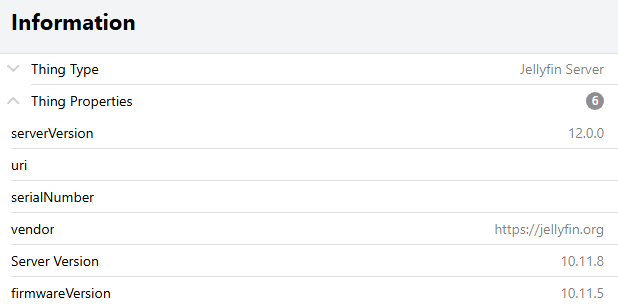
It is important that you read the release notes before upgrading to Jellyfin 12.0. Failure to do so may cause issues!
This release changes the database schema and actively rewrites data on first boot, so a backup is the only way back to your previous version.
Comments