
Open WebUI
Change of plan - let's ditch the known IDE and enter the rabbit hole ...

“The Universe is under no obligation to make sense to you.” ― Neil deGrasse Tyson
With my own silicon 🧠, I decided to create my own coding AI solution to stay within my budget for tokens per month. The initial ideal was to use the existing setup to create the new one - but with solutions like LiteLLM, Pydantic & Open WebUI I decided to try if the M4 can help to realise the AI framework I have in mind.
After some configuration I've a test setup ready:
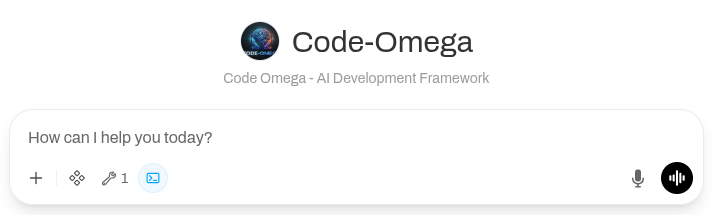
But as I do not want to work in the sandbox, we'll need to create a bride to our file system. Time to learn something new: how to create an MCP server with python.
# Initialize a new project and navigate into it
uv init mcp-file-server
cd mcp-file-server

# Add the official mcp library with CLI extras
uv add "mcp[cli]"
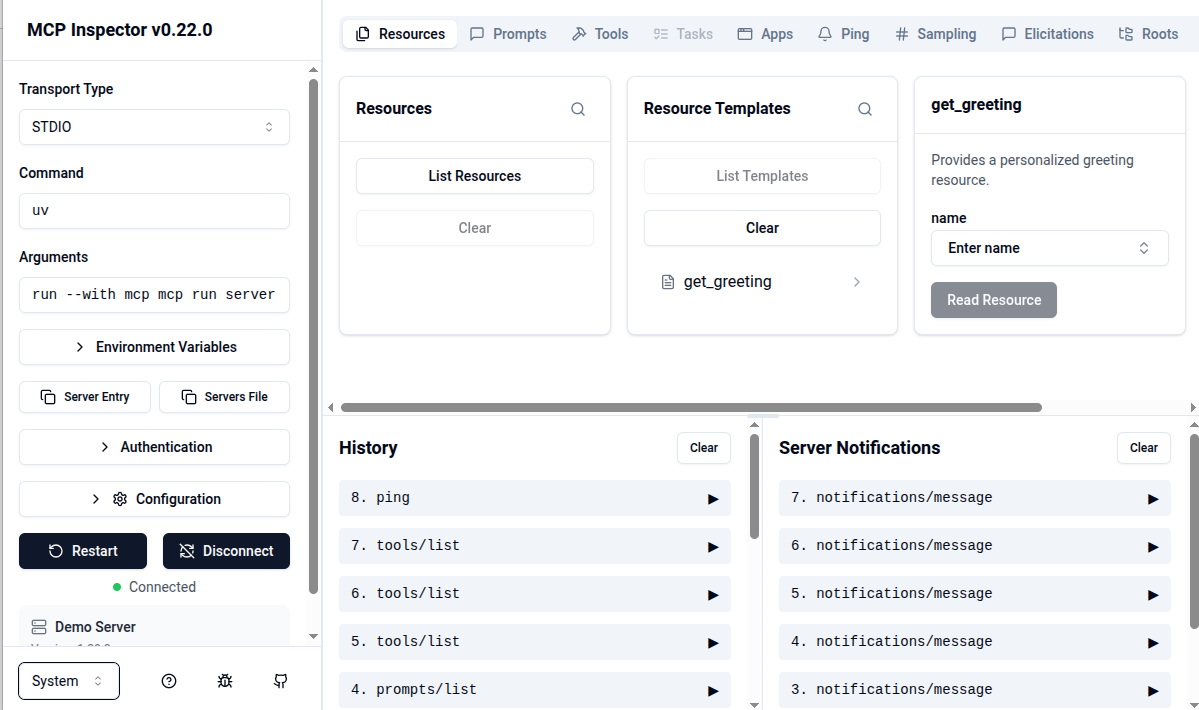
The dummy server code:
from mcp.server.fastmcp import FastMCP

# 1. Initialize the FastMCP server instance
mcp = FastMCP("Demo Server")

# 2. Add a Tool (Functions the LLM can execute)
@mcp.tool()
def add_numbers(a: int, b: int) -> int:
    """Adds two numbers together dynamically."""
    return a + b

# 3. Add a Resource (Static or dynamic data the LLM can fetch as context)
@mcp.resource("greetings://{name}")
def get_greeting(name: str) -> str:
    """Provides a personalized greeting resource."""
    return f"Hello, {name}! This data was fetched straight from the MCP server."

if __name__ == "__main__":
    # Run using local stdio by default (perfect for Claude Desktop or Claude Code)
    mcp.run()
stdio (standard input/output) transport is for the this test only; we'll need to use SSE (Server-Sent Events) over HTTP for the implementation (Phase 1).

Comments